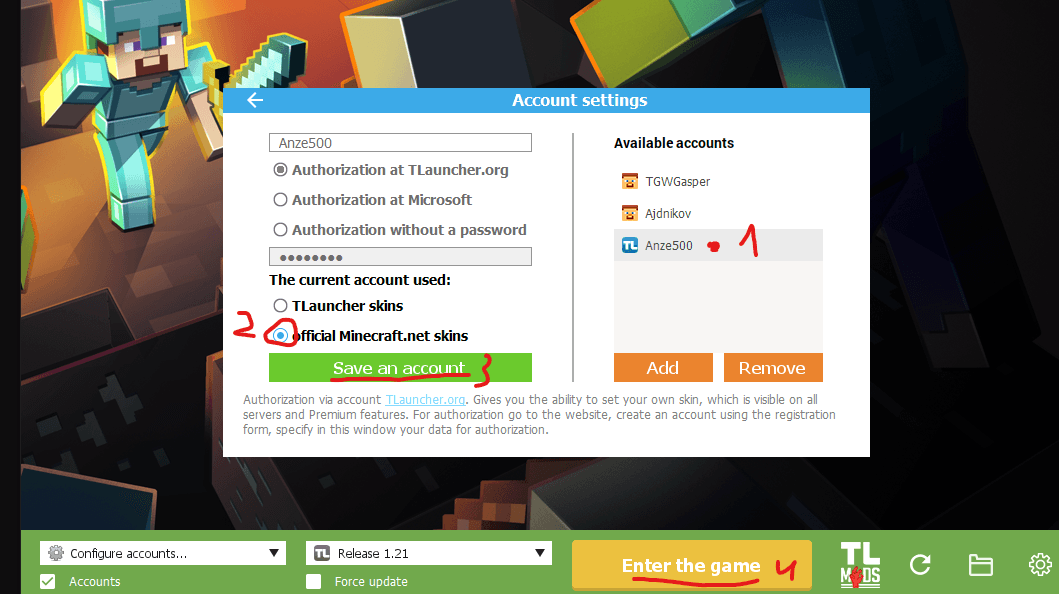
TLauncher Skin Guide
Follow these simple steps to change your skin on TLauncher and look awesome on PrimorskaMC!
1Find Your Skin
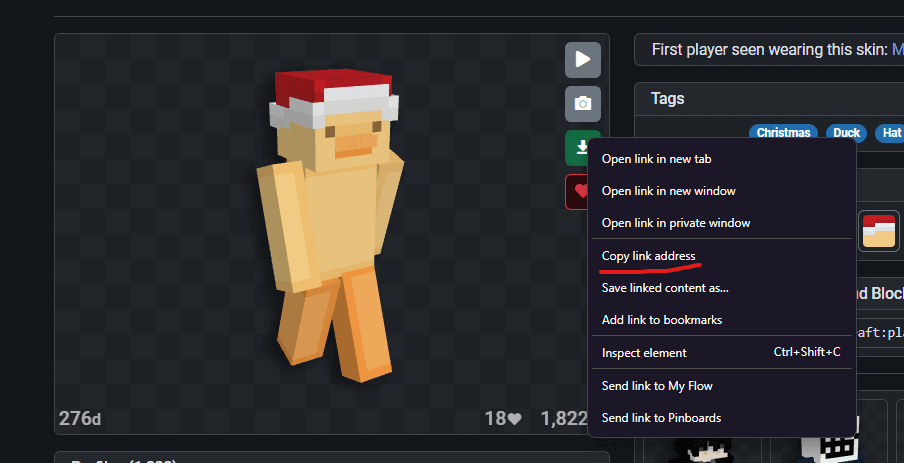
First, find a skin you like on the internet (e.g., NameMC, PlanetMinecraft).
Right-click on the "Download" button or the skin image itself.
Click "Copy link address" (or "Copy Image Link").
2Use the Command
Log in to PrimorskaMC.
Open the chat and type the following command:
/skin url "PASTE_LINK_HERE" "slim/classic"
Replace PASTE_LINK_HERE with the link you copied. Choose slim (Alex) or classic (Steve) for the model type.
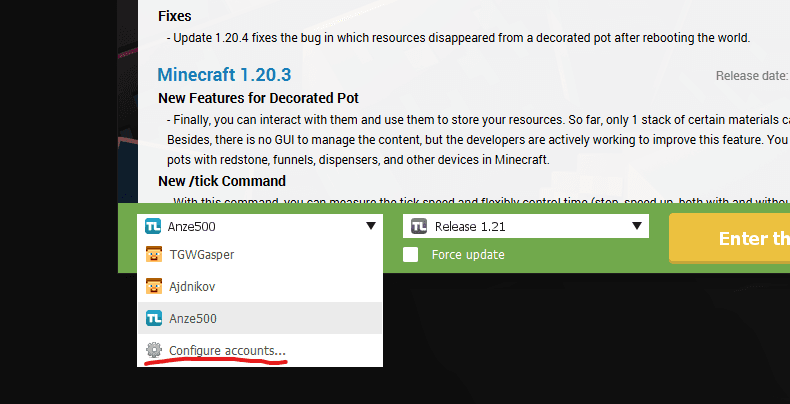
3Enjoy!
Your skin should update immediately!
You can change your skin every 30 seconds using this method.
Tip: Make sure the link ends with .png!